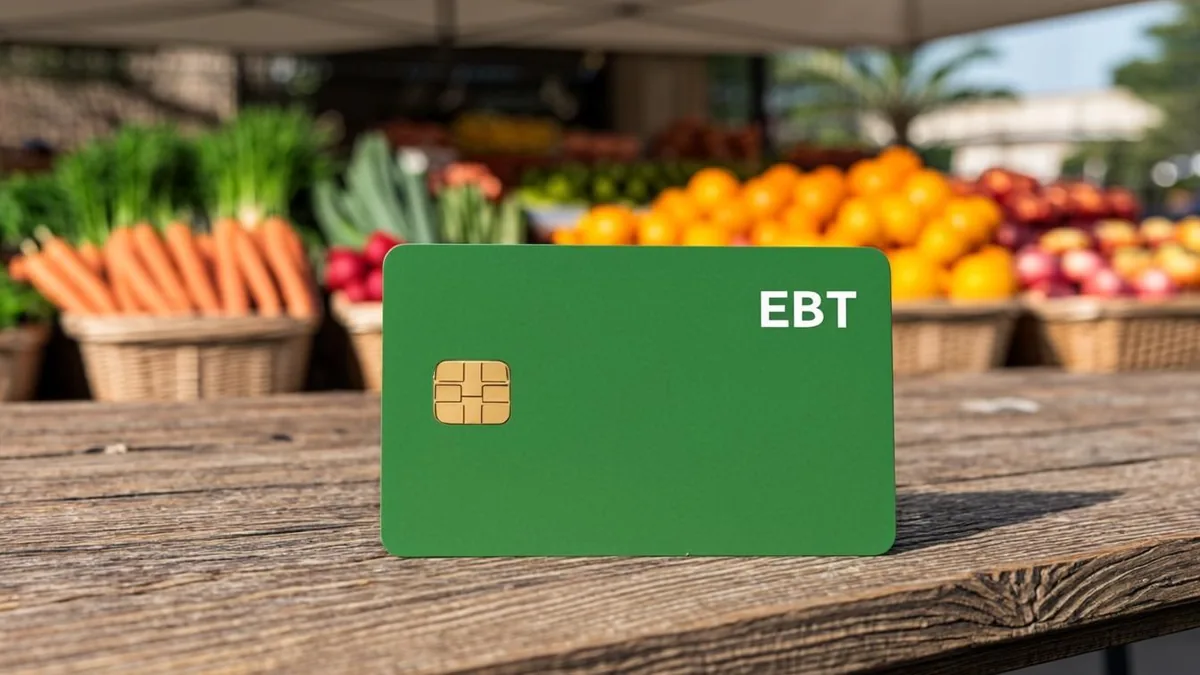
Why Checking Your EBT Balance Matters
Running out of SNAP benefits at the checkout line is stressful and embarrassing. It happens more often than you think — especially toward the end of the month when funds run low. Knowing your balance ahead of time lets you plan your grocery trips with confidence.
Checking your EBT balance regularly also helps you catch errors. Sometimes transactions get charged twice, or a return doesn't post correctly. The sooner you spot a problem, the easier it is to fix.
eligible food items with SNAP💡 Key Tip: Make it a habit to check your EBT balance at least once a week — or after every shopping trip. It takes less than two minutes and can save you from surprises at the register.applying for SNAP benefits online
5 Methods to Check Your EBT Balance
There's no single "right" way to check your balance. The best method depends on what's most convenient for you — whether you prefer going online, using your phone, or checking while you're already out shopping. Here are all five options, ranked by speed and convenience.
| Method | Speed | Availability | Best For |
|---|---|---|---|
| 📱 Mobile App | Instant | 24/7 | Quick checks on the go |
| 💻 Online Portal | Instant | 24/7 | Detailed transaction history |
| 🧾 Store Receipt | Instant | After purchases only | Checking after shopping |
| 📞 Phone Hotline | 1-3 minutes | 24/7 | People without internet |
| 🏧 ATM Balance Inquiry | Instant | ATM locations only | When you're already at an ATM |

💻 Method 1: Check Your EBT Balance Online
ebtEDGEHere's how to check your balance on ebtEDGE:
- Go to ebtEDGE.com in your web browser.
- Click "Cardholder Login" on the homepage.
- Enter your User ID and Password. If it's your first time, click "Create User Account" and follow the prompts.
- Once logged in, your current SNAP balance and Cash balance (if applicable) appear right on the dashboard.
- Click "Transaction History" to see a full list of recent purchases, deposits, and adjustments.
🔒 Security Tip: Always log out of ebtEDGE when you're done, especially on shared or public computers. Never save your EBT login password in a browser on a device others can access.State-Specific EBT Portals
📱 Method 2: Use the EBT Mobile App
ebtEDGE mobile appHere's what you can do with the app:
- Check your SNAP and Cash balances instantly on the home screen
- View transaction history for the past 30 days or more
- Freeze and unfreeze your card if you misplace it temporarily
- Set up balance alerts so you get notified when funds drop below a certain amount
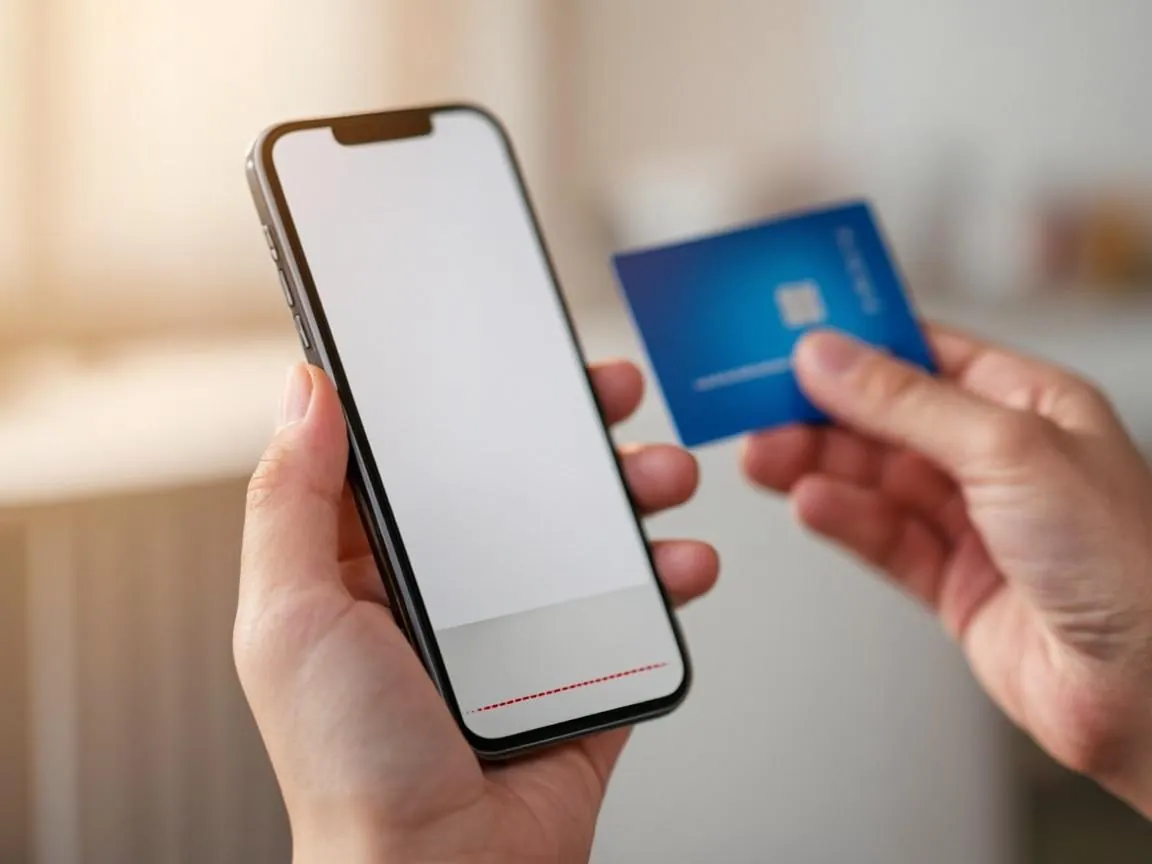
- Download "ebtEDGE" from the Google Play Store or Apple App Store.
- Open the app and tap "Create Account" if you're new, or log in with your existing credentials.
- Link your EBT card by entering the 16-digit card number on the front.
- Your balance appears immediately on the main screen.
💡 Pro Tip: Enable push notifications in the app settings. You'll get an alert every time a deposit hits your card — so you always know exactly when your monthly benefits have been loaded.
📞 Method 3: Call the EBT Customer Service Hotline
Every state has a toll-free EBT customer service number printed on the back of your card. This is the go-to method if you don't have internet access or prefer not to use an app.
24 hours a day, 7 days a week- Call the number on the back of your EBT card (usually starts with 1-800 or 1-888).
- Listen for the prompt and enter your 16-digit card number.
- Enter your 4-digit PIN when asked.
- The automated voice will read out your current SNAP balance and any cash balance.
- Press the right menu option to hear your last 5 transactions if you want recent activity.
⚠️ Note: Some states limit how many times you can call the hotline each month without a fee. Usually the first few calls are free, but after that, a small fee (around $0.25) may be deducted from your cash benefits. Check with your state's EBT program for specifics.
🏧 Method 4: Check Your Balance at an ATM
Quest® balance inquiries at ATMs are free- Insert your EBT card into the ATM.
- Enter your 4-digit PIN.
- Select "Balance Inquiry" from the menu — do NOT select "Cash Withdrawal" unless you have cash benefits.
- Choose whether you want the balance shown on the screen or printed on a receipt.
- Take your card and receipt when done.
🧾 Method 5: Check Your Balance on a Store Receipt
remaining balance prints at the bottom of the receipt balance-only receipt- Go to any store that accepts EBT.
- Before or after shopping, swipe your card at the PIN pad.
- Select "Balance" or "Balance Inquiry" on the screen.
- Enter your PIN when prompted.
- The screen will show your available balance, and it will also print on your receipt.
💡 Budget Hack: Get in the habit of checking your receipt balance after every trip. Snap a photo of it with your phone so you always have a record handy — even if you lose the paper receipt.
How to Read Your EBT Transaction History
Your EBT transaction history is more than just a list of numbers. It tells a story about where your benefits are going and helps you spot anything unusual. You can access it online through ebtEDGE, through your state's mobile app, or by calling the customer service hotline.
Each transaction entry includes several pieces of information. Here's what each one means:
- Date: The date the transaction was posted. This may be a day or two after the actual purchase, especially with smaller retailers.
- Type: Shows whether it was a purchase, refund, deposit, or adjustment. Purchases show as "Debit," deposits show as "Credit," and refunds appear as "Credit" with a negative amount.
- Amount: The dollar value of the transaction. Purchases are listed as positive numbers that subtract from your balance.
- Location: The store or ATM where the transaction happened. This helps you verify you actually made that purchase.
- Running Balance: Your remaining balance after each transaction. This is the most useful column for tracking your spending over time.
Look for anything that doesn't match your memory. If you see a charge at a store you didn't visit, or an amount that seems wrong, write it down and contact EBT customer service right away.
⚠️ Watch Out: Pending transactions may not show up in your history immediately. A purchase made late on a Friday might not appear until Monday. Don't assume the balance you see includes every recent transaction.
Download Your Full Purchase History
Need the full paper trail, not just the last swipe? Log into your state portal and open the Transaction History or Statements tab. ebtEDGE and ConnectEBT both let you view every purchase, deposit, and fee, and download statements going back several months. Nothing shows up online? Your county office can print a complete purchase history on request, usually the same day you ask.
Understanding EBT Statement Details
When you download or view your full EBT statement, you'll see more detail than the quick transaction list. Understanding these extra fields helps you manage your benefits more effectively.
Benefit Deposit Schedule: Adjustments and Corrections: emergency SNAP allotments Expunged Benefits: Two Benefit Types on One Card:💡 Don't Lose Your Benefits: Use your EBT card at least once every 90 days to keep your account active and prevent benefits from being expunged. Even a small purchase counts.
Common EBT Balance Problems & Solutions
EBT cards work smoothly most of the time, but problems do come up. Here are the most common issues and exactly how to handle each one.
⚠️ "Insufficient Balance" at Checkout
This is the most common — and most frustrating — problem. Your card gets declined because you don't have enough benefits to cover the full purchase.
Solution: balance inquiry⚠️ Balance Seems Wrong or Too Low
If your balance is lower than expected, check your transaction history first. A pending transaction might not be visible yet, or a deposit might not have posted.
Solution: transaction dispute⚠️ Monthly Deposit Didn't Arrive
CalFresh recertification process Solution:⚠️ Card Not Working at All
If your card is consistently declined even when you know you have a balance, the card itself might be damaged or the magnetic stripe could be worn out.
Solution: replacement cardReport Lost or Stolen EBT Card
If your EBT card is lost or stolen, act fast. Anyone who finds it could use your benefits if they guess or already know your PIN. The good news is that EBT benefits are federally protected — if someone uses your card without authorization, you can get those benefits back. But you have to report it quickly.
- Call EBT customer service immediately using the number on the back of your card (or look it up on your state's EBT website if you don't have the card anymore).
- Tell the representative your card is lost or stolen. They'll deactivate it right away so nobody can use it.
- Request a replacement card. It will be mailed to the address on file with your SNAP case.
- Choose a new PIN for the replacement card. Don't reuse your old PIN.
- File a claim for any unauthorized transactions if benefits were spent before you reported the card missing. You'll need to fill out a dispute form.
🔒 Protect Yourself: Never share your PIN with anyone — not even family members. Don't write your PIN on the card or keep it in the same wallet. Choose a PIN that isn't easy to guess (avoid 1234, 0000, or your birth year).
If you've recently moved, make sure to update your address with your local SNAP office before requesting a replacement. Otherwise, the new card goes to your old address.
State-Specific EBT Portals
Most states use ebtEDGE, but several have their own online systems. Here's a complete reference table so you can find the right portal for your state.
| State | Online Portal | Mobile App | Customer Service Number |
|---|---|---|---|
| California | ebtEDGE.com | ebtEDGE / BenefitsCal | 1-877-328-9677 |
| New York | ebtEDGE.com | ebtEDGE | 1-888-328-6399 |
| Texas | YourTexasBenefits.com | Your Texas Benefits | 1-800-777-7328 |
| Florida | ebtEDGE.com | ebtEDGE | 1-888-356-3281 |
| Illinois | ebtEDGE.com | ebtEDGE | 1-800-678-5465 |
| Pennsylvania | ebtEDGE.com | ebtEDGE / myCOMPASS | 1-888-221-3610 |
| Ohio | ebtEDGE.com | ebtEDGE / Ohio Benefits | 1-866-506-6809 |
| Massachusetts | ebtEDGE.com / DTAConnect.com | ebtEDGE | 1-800-997-2555 |
| Alabama | ConnectEBT.com / MyDHR | ConnectEBT | 1-800-997-8888 |
| Arizona | ConnectEBT.com / Health-e-Arizona Plus | ConnectEBT | 1-888-997-9333 |
| Minnesota | ebtEDGE.com | ebtEDGE | 1-888-997-2227 |
| New Mexico | YesNMportal.com | Yes NM | 1-800-283-4467 |
| Hawaii (Kokua EBT) | Hawaii DHS — no statewide portal | — | 1-888-975-7281 |
| Georgia | ebtEDGE.com | ebtEDGE | 1-888-421-3281 |
| Michigan | ebtEDGE.com | ebtEDGE / MI Bridges | 1-888-678-8914 |
| North Carolina | ebtEDGE.com | ebtEDGE / ePASS | 1-888-622-7328 |
| Alabama | ebtEDGE.com | ebtEDGE | 1-800-997-8888 |
| All Other States | ebtEDGE.com | ebtEDGE | See back of card |
Tips to Manage Your SNAP Benefits Better
Knowing your balance is step one. Here are more strategies to make the most of your food benefits every month.
💡 Plan Your Shopping Around Your Deposit Date
Your SNAP benefits reload on the same day each month. Find out your exact deposit date and plan your biggest shopping trip for that day or the day after. Shopping early in your benefit cycle means you'll have more options and better selection at the store.
💡 Track Your Spending Weekly
Don't wait until the end of the month to realize you're almost out. Check your balance weekly and compare it against what you have left for the month. If you've spent 75% of your benefits by the second week, it's time to slow down.
💡 Use Farmers Markets That Double SNAP
double-up programs SNAP income limitsIf your household income changes, your benefit amount might change too. Report income changes to your SNAP office promptly — increases might reduce your benefits, but decreases could mean you qualify for more help each month.
💡 Don't Let Benefits Expire
As mentioned earlier, unused benefits get expunged after 9-12 months of inactivity. Even a $2 purchase keeps your account active. If you have more benefits than you need, consider stocking up on non-perishable staples rather than letting money sit unused indefinitely.
💡 Final Tip: If you ever receive extra SNAP during emergencies, remember that those supplemental benefits follow the same rules — they go on the same card and expire under the same terms. Use them wisely while they're available.
Frequently Asked Questions
Can I check my EBT balance without my card number?
Unfortunately, no. Every method for checking your balance requires either your 16-digit card number or your online account credentials (which are linked to your card). If you've lost your card and don't have the number memorized, call your local SNAP office — they can verify your identity and help you get a replacement.
How often is my EBT balance updated?
Your balance updates in real time after every transaction. When you make a purchase, the amount is deducted immediately from your available balance. Monthly deposits post on your scheduled benefit date, typically early in the morning. Online and app balances reflect these changes instantly, while receipt balances show the total at the time of that specific transaction.
Is there a fee to check my EBT balance?
In most cases, no. Checking your balance online, through the mobile app, or on a store receipt is always free. Phone balance inquiries are free for the first several calls each month in most states. ATM balance inquiries are free at in-network machines, but out-of-network ATMs may charge a small surcharge. Review your state's specific EBT fee schedule for details.
What happens to my EBT balance if I move to another state?
federal poverty level guidelinesCan someone else check my EBT balance for me?
Only if you give them your card number and PIN — which we strongly advise against. For security, your EBT account is tied to your card and PIN only. If you have a trusted household member who shares your food budget, you can give them the card to use for purchases, but be aware that they'll have full access to your benefits. Some states are rolling out secondary cardholder features, but this isn't widely available yet.